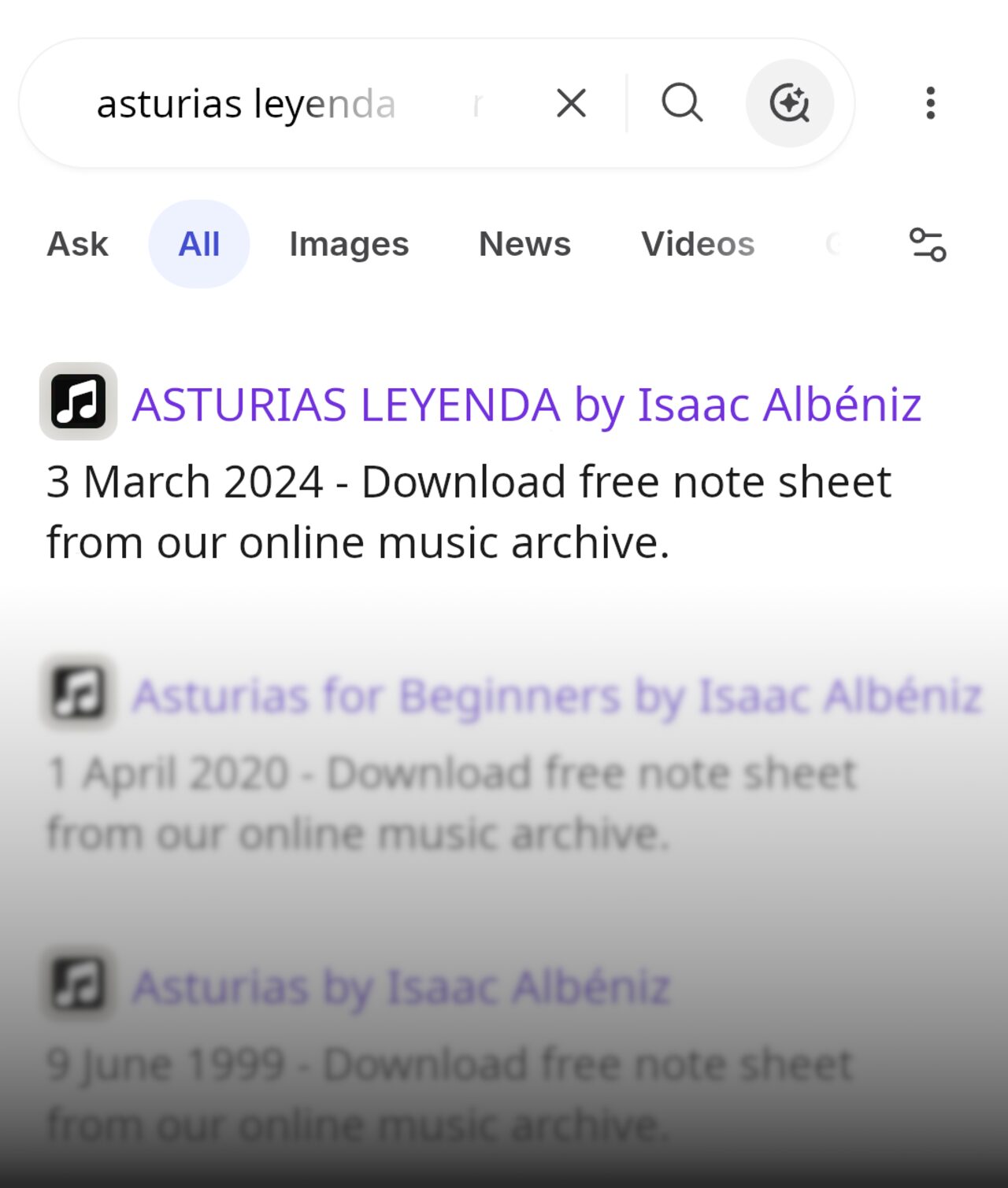
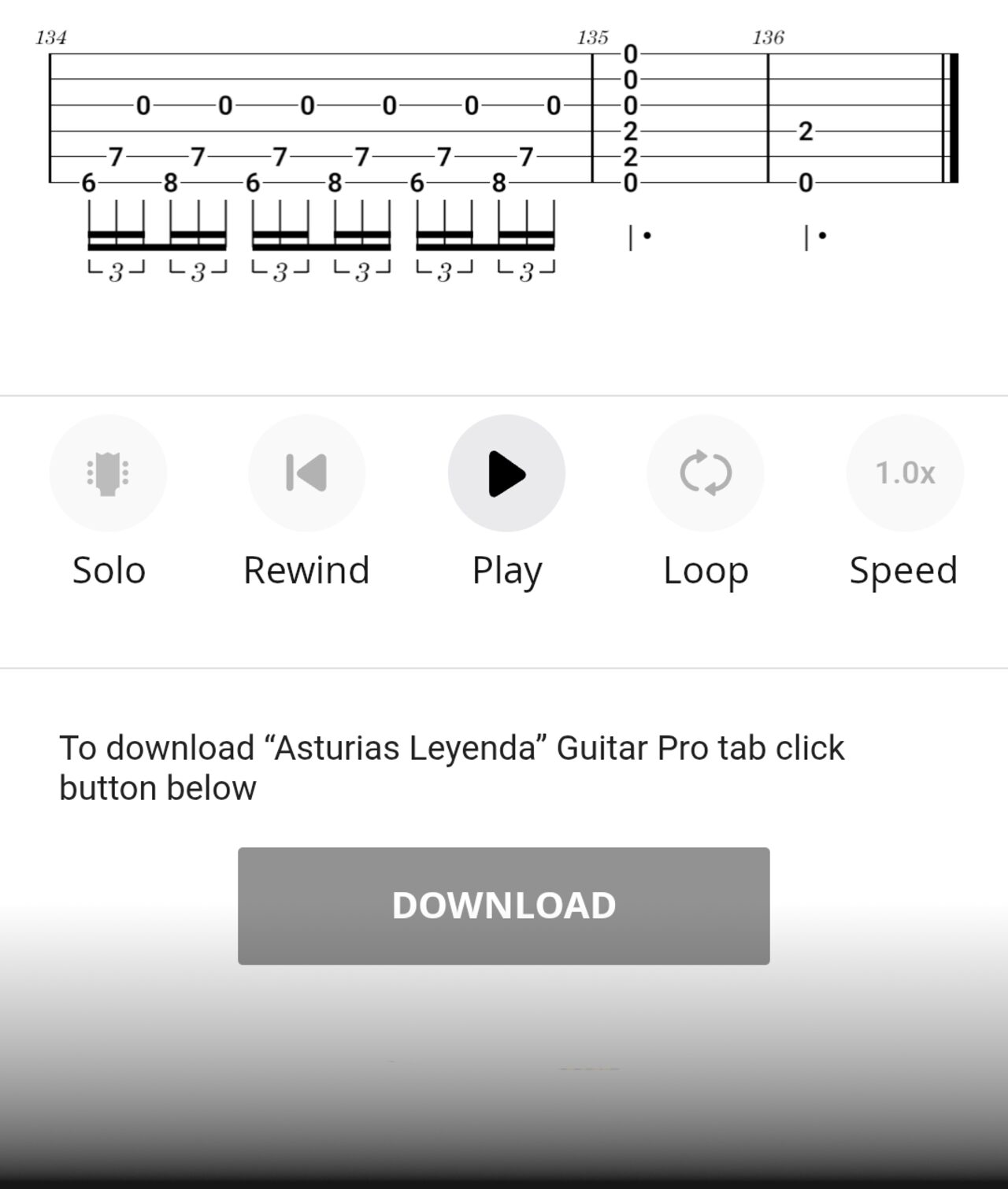
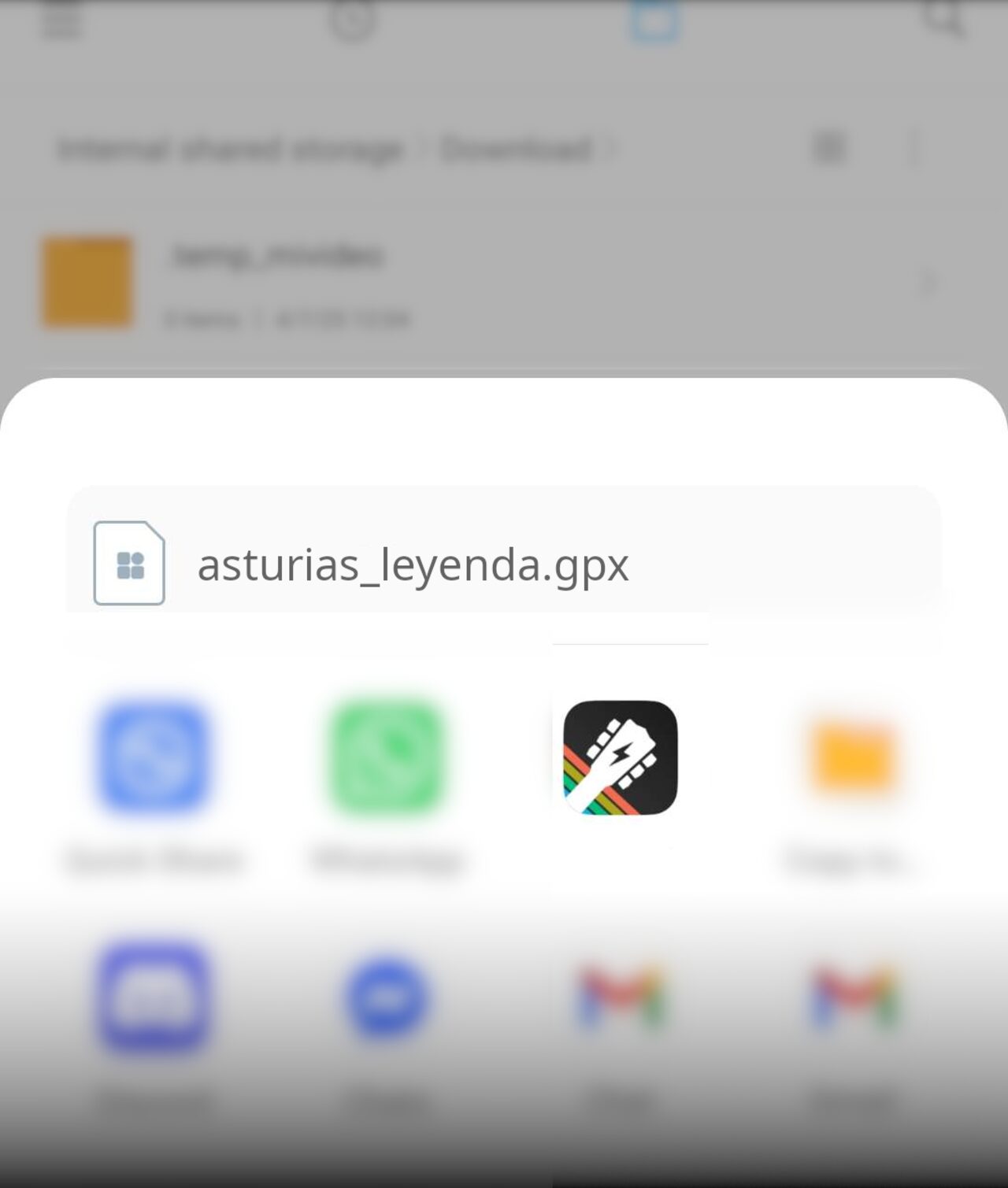
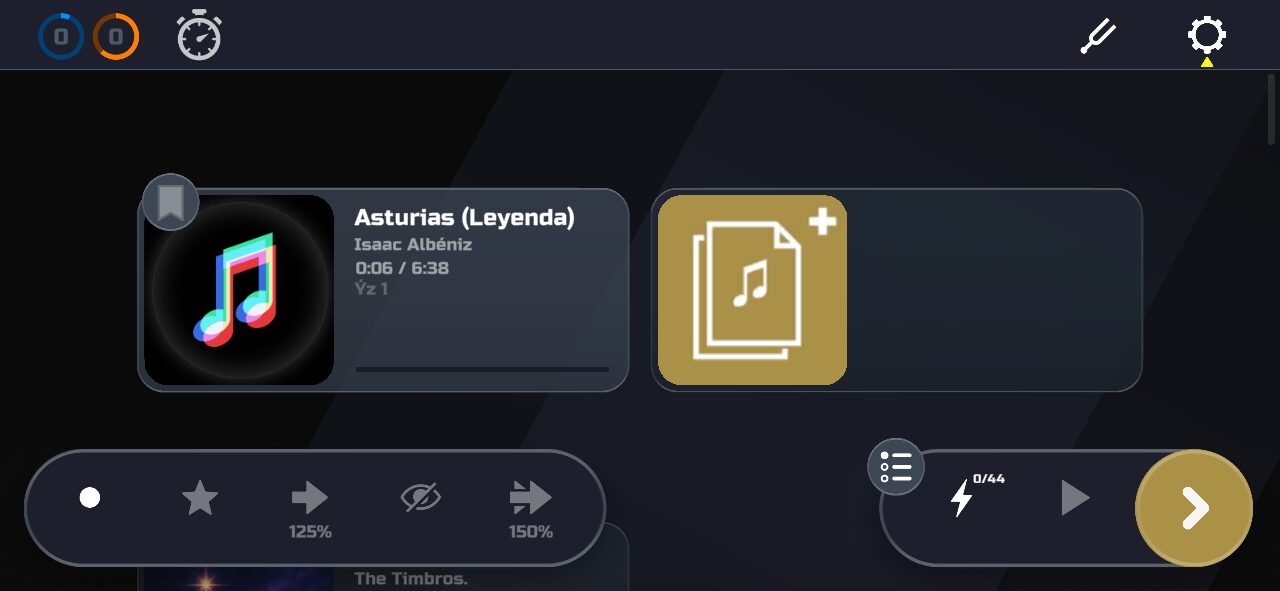
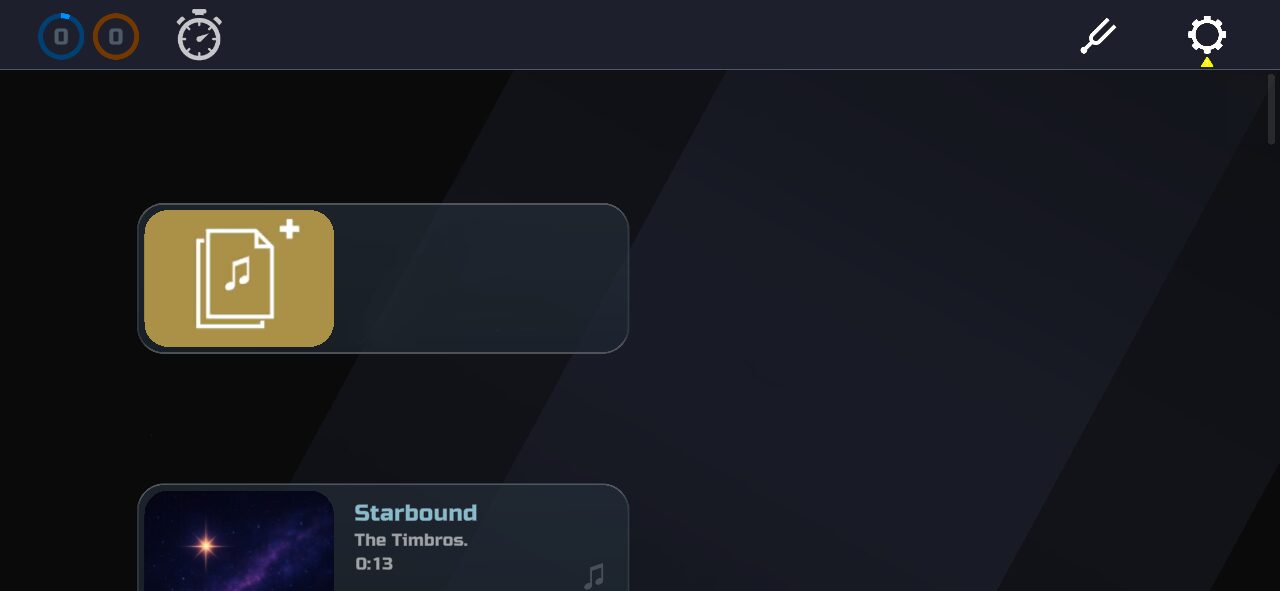
You can also Import downloaded songs in Timbro.
Use the search above, or take a look at these popular websites.
GuitarPro (gp, gp3, gp4, gp5, gpx), MuseScore (mscz, mscx),
MIDI (mid), MusicXML (mxl, xml), Timbro (timbro)
For backing tracks, Timbro supports mp3 and ogg.
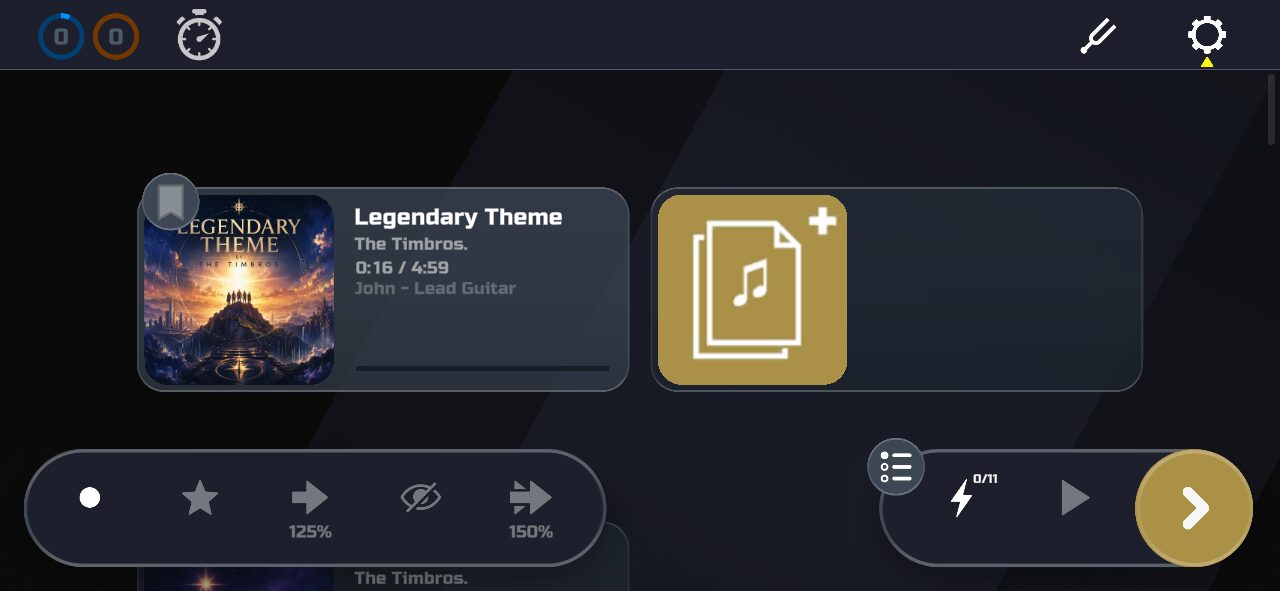
Many imported files contain several tracks, such as lead guitar, rhythm guitar, solos, vocals, piano, bass, and drums. You need to select which one you want to play.
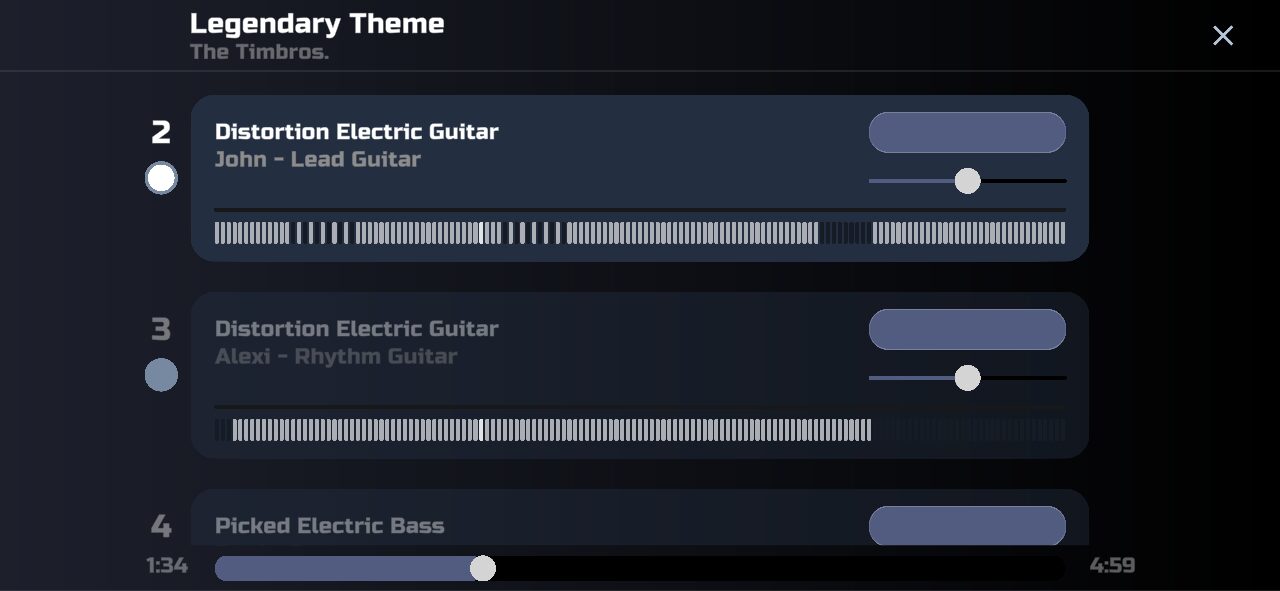
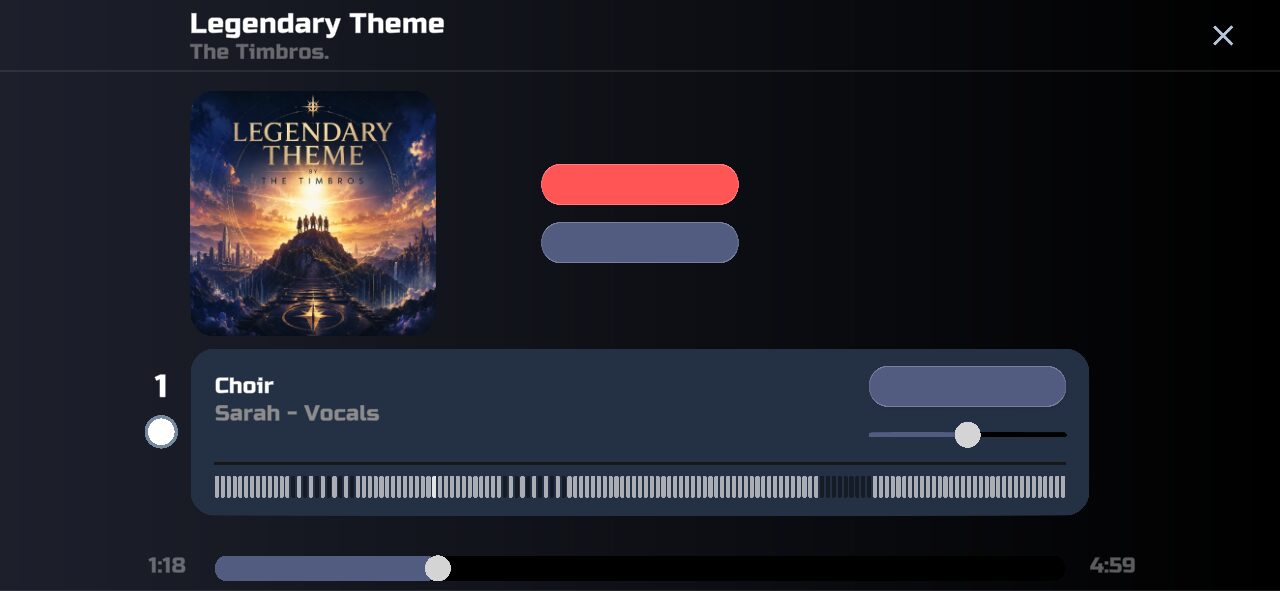
You can add the original audio so your imported song uses the real recording alongside the note sheet.
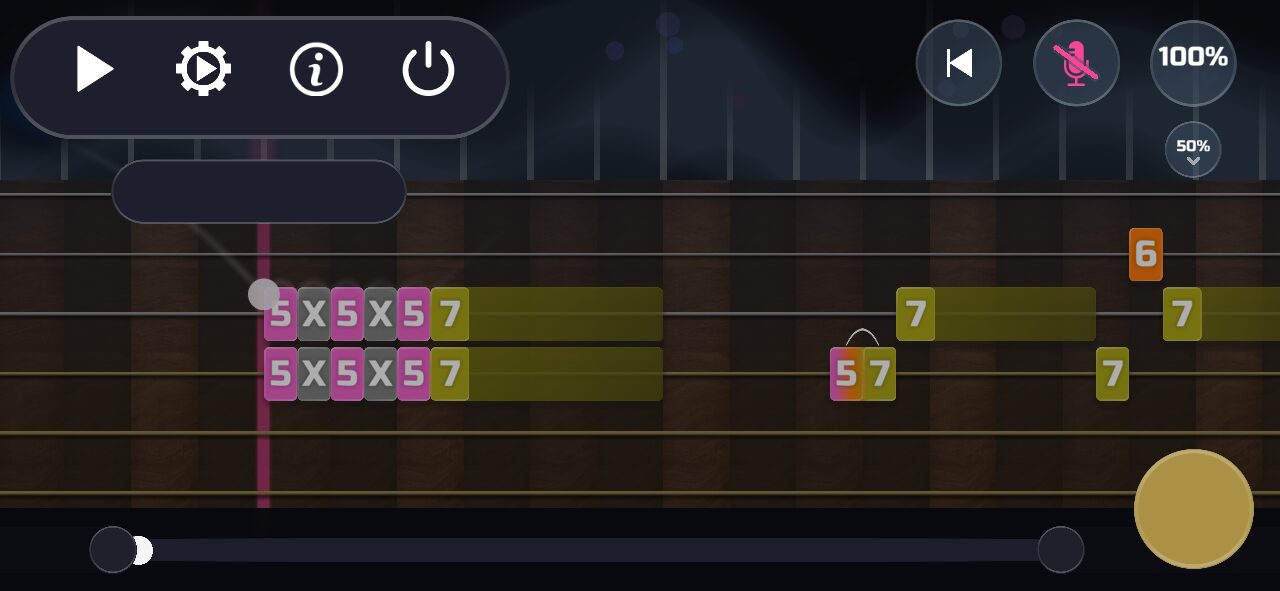
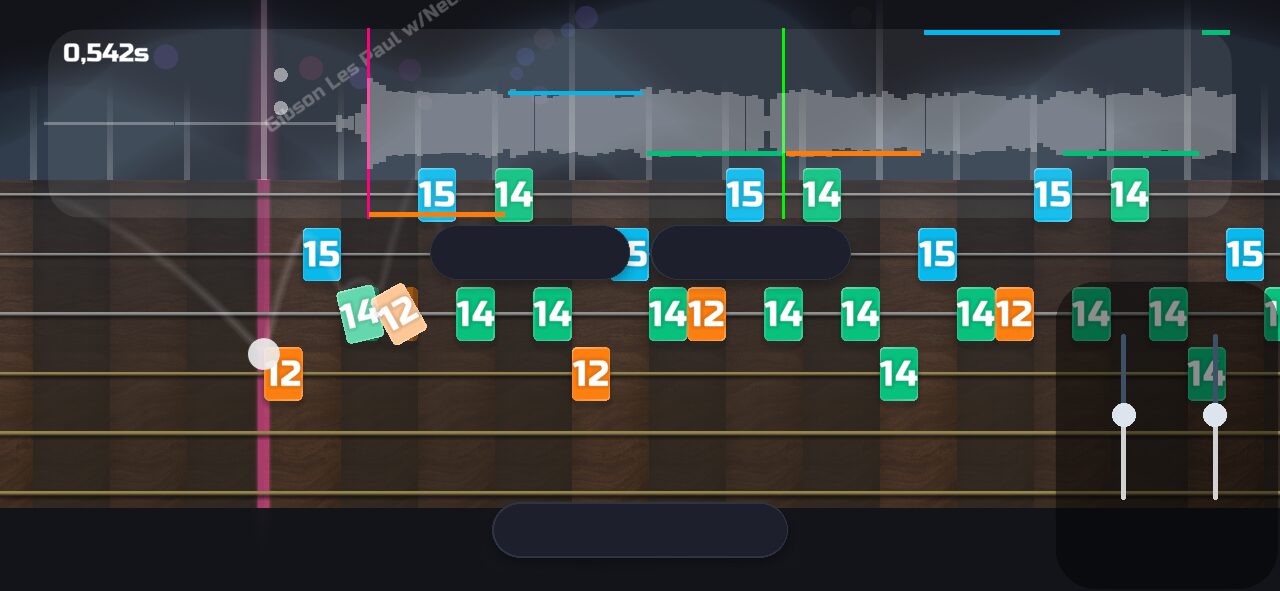
If you want to modify a downloaded song, or make your own, these are the tools we recommend.
Practice drills (🗲) are automatically created at each rehearsal mark in the song.
If there are no rehearsal marks, practice drills (🗲) are made at every 15 seconds in the song.
If you want to modify the rehearsal marks, we recommend this software.
Note that MIDI doesn't support rehearsal marks. If you add rehearsal marks to a MIDI song, you should export it to another file format.
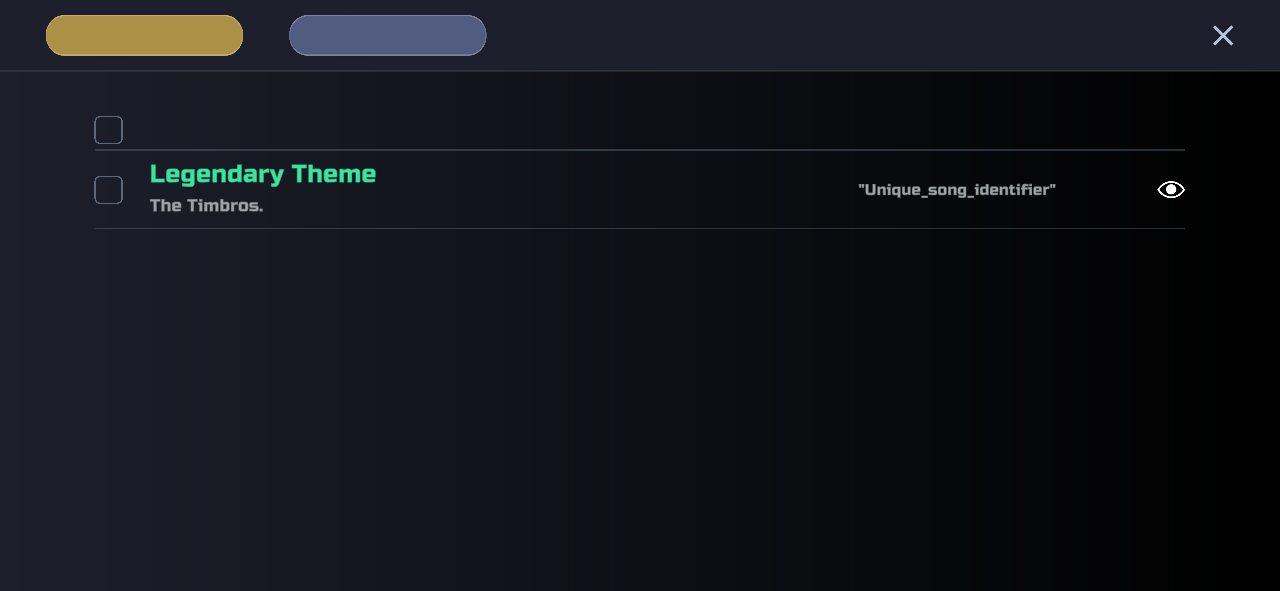
A .timbro file can hold multiple songs.
In Timbro you can save your imported songs to a .timbro file, and open it on another device with Timbro.
If you want to edit a .timbro file manually:
- Rename file.timbro to file.gz
- Decompress file.gz, which gives you a zip file
- Decompress the zip file, which gives you the song folders


TIMBRO: GUITAR & PIANO


Guitar

Piano
Guitar
Piano